Página sin traducir
Esta página aún no está disponible en español. El contenido se muestra en inglés.
Maintenance
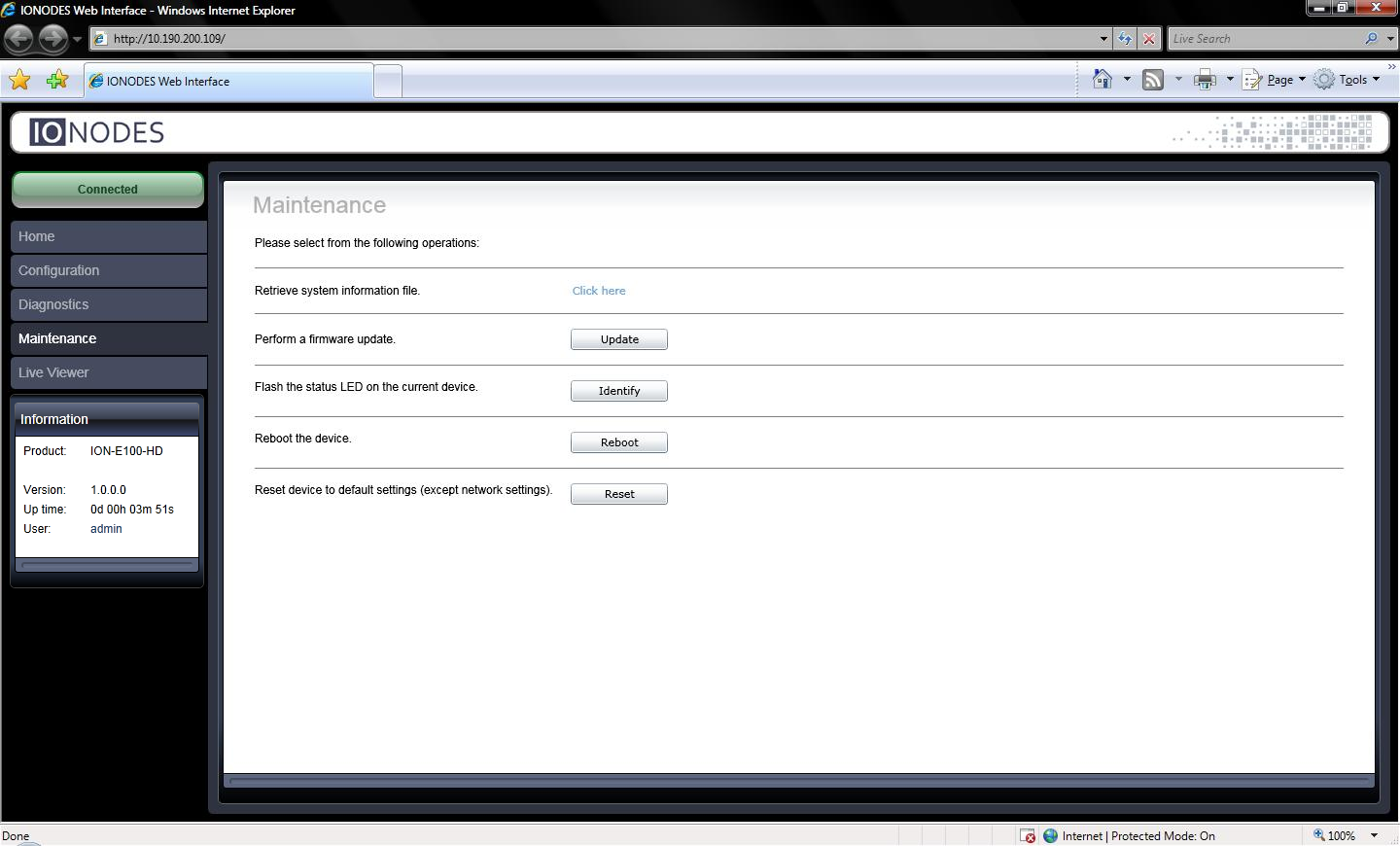
Use the legacy web application to update the encoder with the .iof firmware file provided by IONODES for the device. For batch updates, see IONConfigTool.
Update One Device
- Open the encoder's web application.
- Select Maintenance.
- Select Update.
- Choose the firmware
.ioffile provided by IONODES. - Follow the progress messages until Firmware update complete.
The update proceeds through these stages, with approximate durations and status indications:
| Progress message | Approximate duration | Status LED |
|---|---|---|
| Firmware upload in progress… (100%) | 95 seconds | Green |
| Firmware uploaded. Saving to internal storage… (0%) | 45 seconds | Flashing red/green |
| Validating and decompressing firmware… (0%) | 105 seconds | Flashing red/green |
| Firmware ready for installation. Rebooting device… (0%) | 110 seconds | Orange |
| Testing firmware stability… (26%) | 120 seconds | Flashing red/green |
| Firmware update complete. (100%) | — | — |
The web page disconnects during the reboot. A login prompt returns when the device is available again. Timing and indications may vary with firmware.