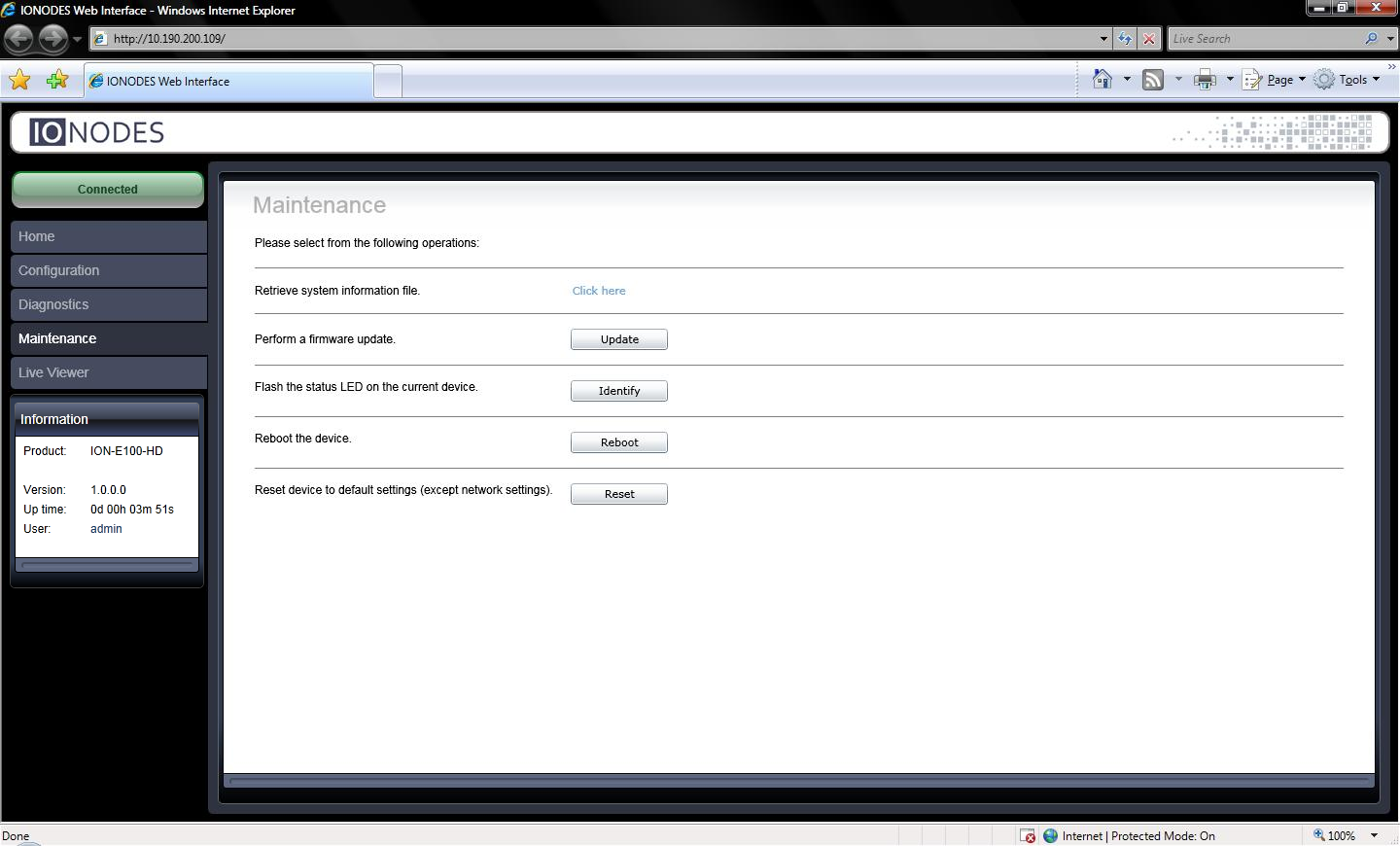
Maintenance
Use the legacy web application to update the encoder with the .iof firmware file provided by IONODES for the device. For batch updates, see IONConfigTool.
Update One Device
- Open the encoder's web application.
- Select Maintenance.
- Select Update.
- Choose the firmware
.ioffile provided by IONODES. - Follow the progress messages until Firmware update complete.
The update proceeds through these stages, with approximate durations and status indications:
| Progress message | Approximate duration | Status LED |
|---|---|---|
| Firmware upload in progress… (100%) | 95 seconds | Green |
| Firmware uploaded. Saving to internal storage… (0%) | 45 seconds | Flashing red/green |
| Validating and decompressing firmware… (0%) | 105 seconds | Flashing red/green |
| Firmware ready for installation. Rebooting device… (0%) | 110 seconds | Orange |
| Testing firmware stability… (26%) | 120 seconds | Flashing red/green |
| Firmware update complete. (100%) | — | — |
The web page disconnects during the reboot. A login prompt returns when the device is available again. Timing and indications may vary with firmware.