Page non traduite
Cette page n'est pas encore disponible en français. Le contenu est affiché en anglais.
System
General
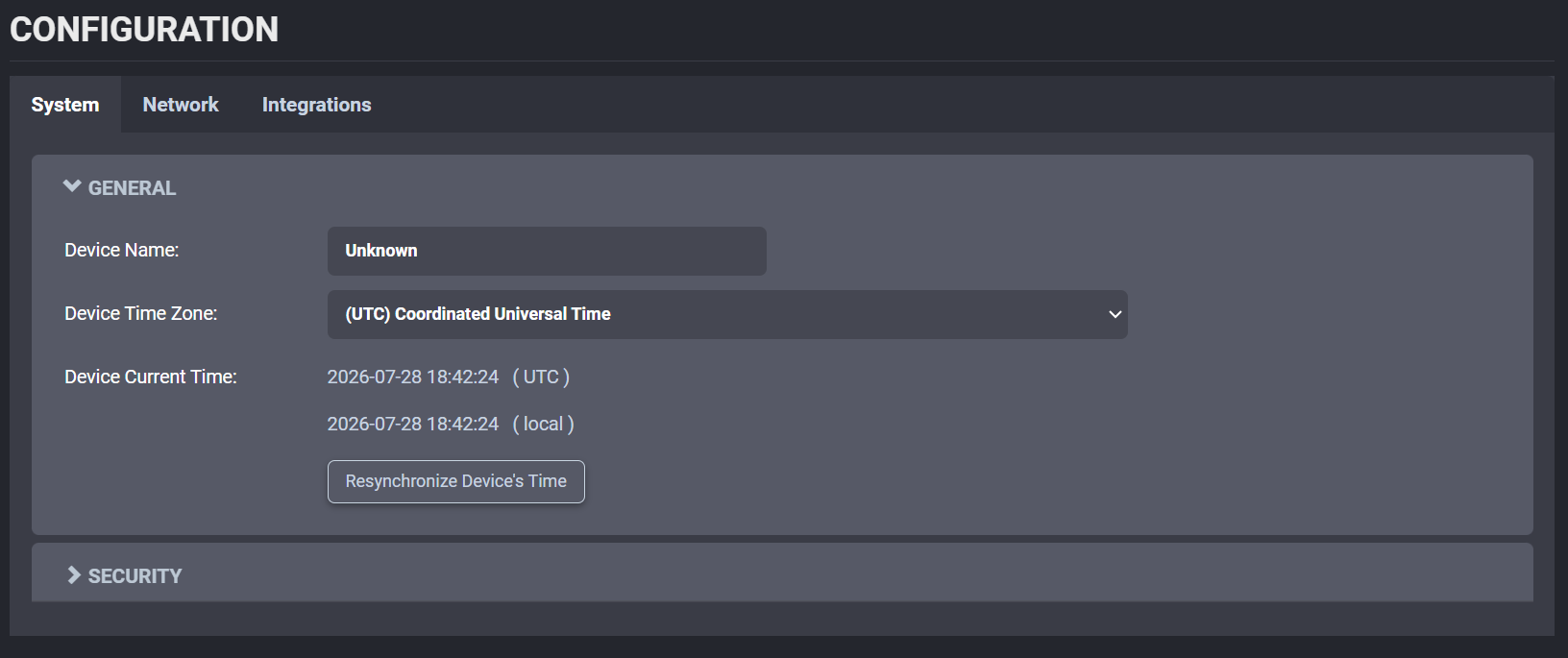
In the Configuration page, select the System tab and expand the first section, General.
The General section includes device name and time-related settings.
To set the time zone in the device, select the appropriate value from the list in Device Time Zone and then click on Resynchronize Device's Time. Click the Save button to apply the changes.
Security Policy
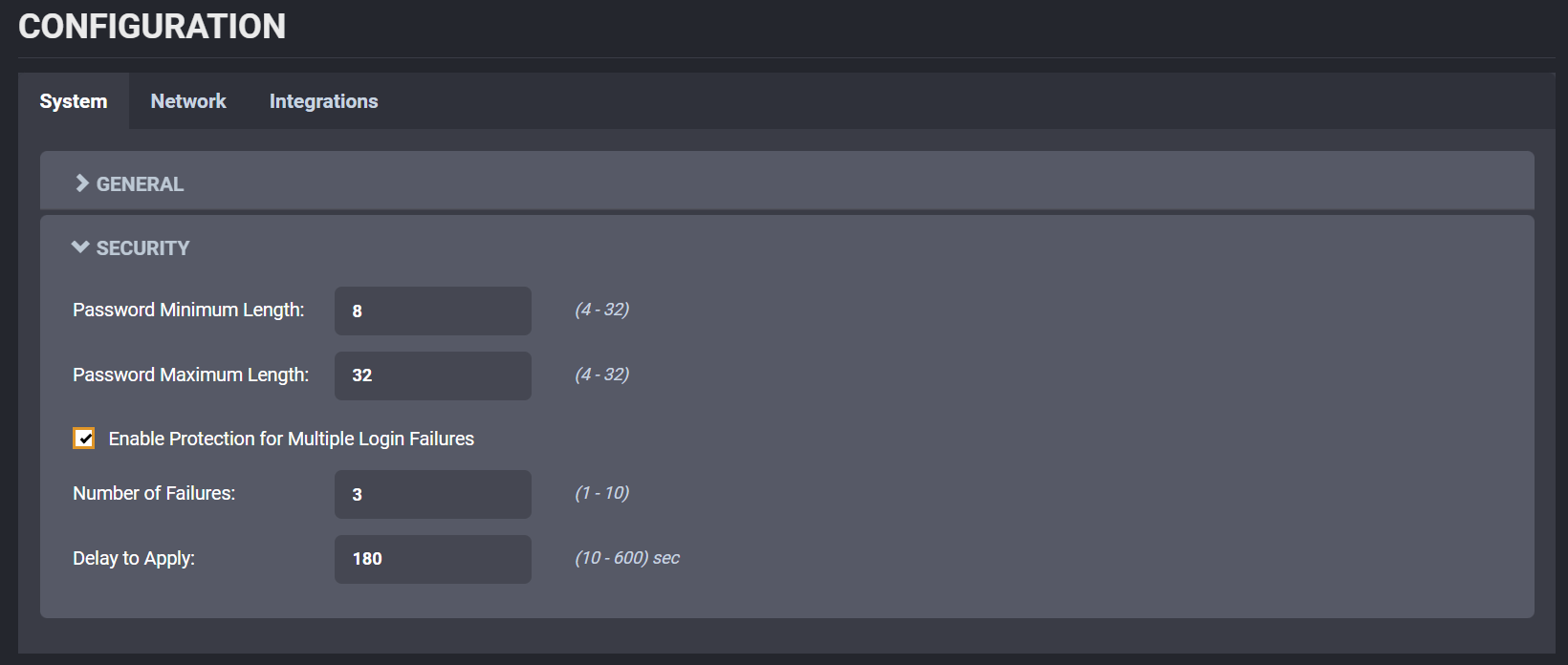
In the Configuration page, select the System tab and go down to the section Security.
Here the user can define the minimum & maximum length of the password for all user accounts. By checking the Enable Protection for Multiple Login Failures box, the device is instructed to block all login attempts after X failed ones, until the timeout of Y seconds runs out (X and Y are user-configurable).