Recorder
Recorder configuration for local storage, media files, still images, and GPS logs.
General
Open Configuration > Recorder to manage local storage and recording behavior.
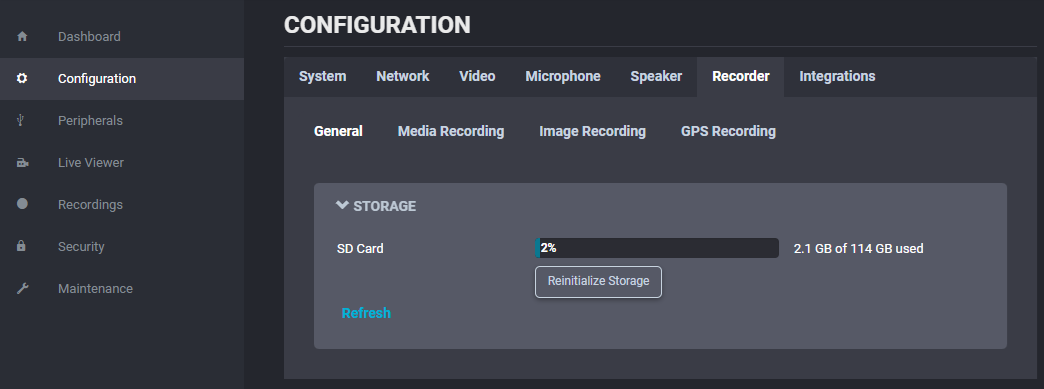
The General section shows:
- Check total and available SD card capacity.
- Reinitialize storage and return the SD card to factory state.
Media Recording
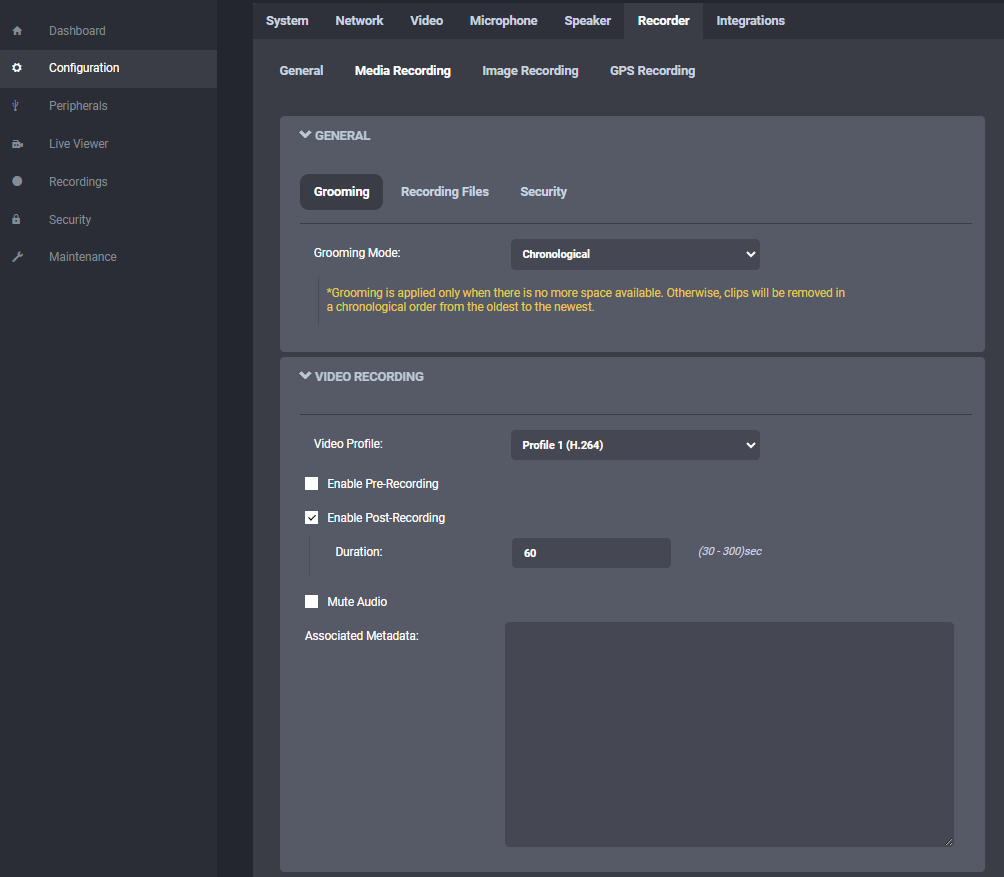
The General subsection controls how the body camera stores and rotates media.
Important controls:
- Grooming Mode:
- Chronological overwrites the oldest files first.
- Manual requires operator cleanup.
- By retention time deletes files automatically after the chosen retention period.
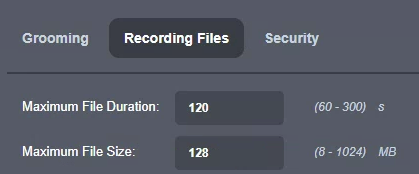
- Recording Files: Sets maximum file duration and size.
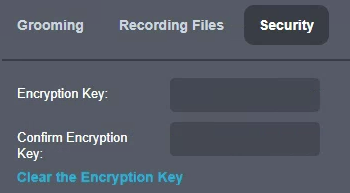
Use the Security subsection to set the AES-256 encryption key used for locally recorded media.
The Video Recording subsection defines:
- The video profile used for local recording.
- Whether pre-recording is enabled.
- Which profile is used during pre-recording.
- Pre-recording duration.
- Whether post-recording is enabled.
- Post-recording duration.
- Whether audio is muted.
- Custom metadata to include with the recordings.
Image Recording
The recorder also manages still images.
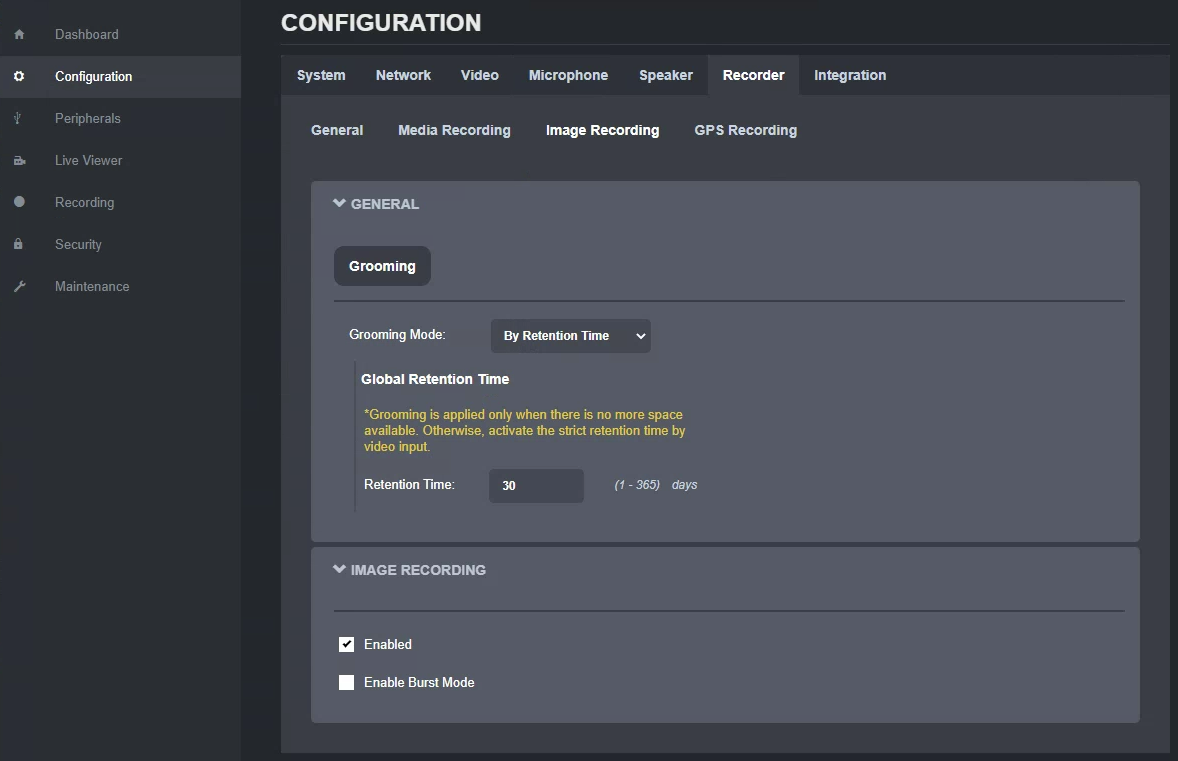
For image recording, available settings include:
- Grooming mode.
- Retention time.
- Single-image capture.
- Burst capture and burst duration.
GPS Recording
The recorder manages GPS log files separately from image and video files.
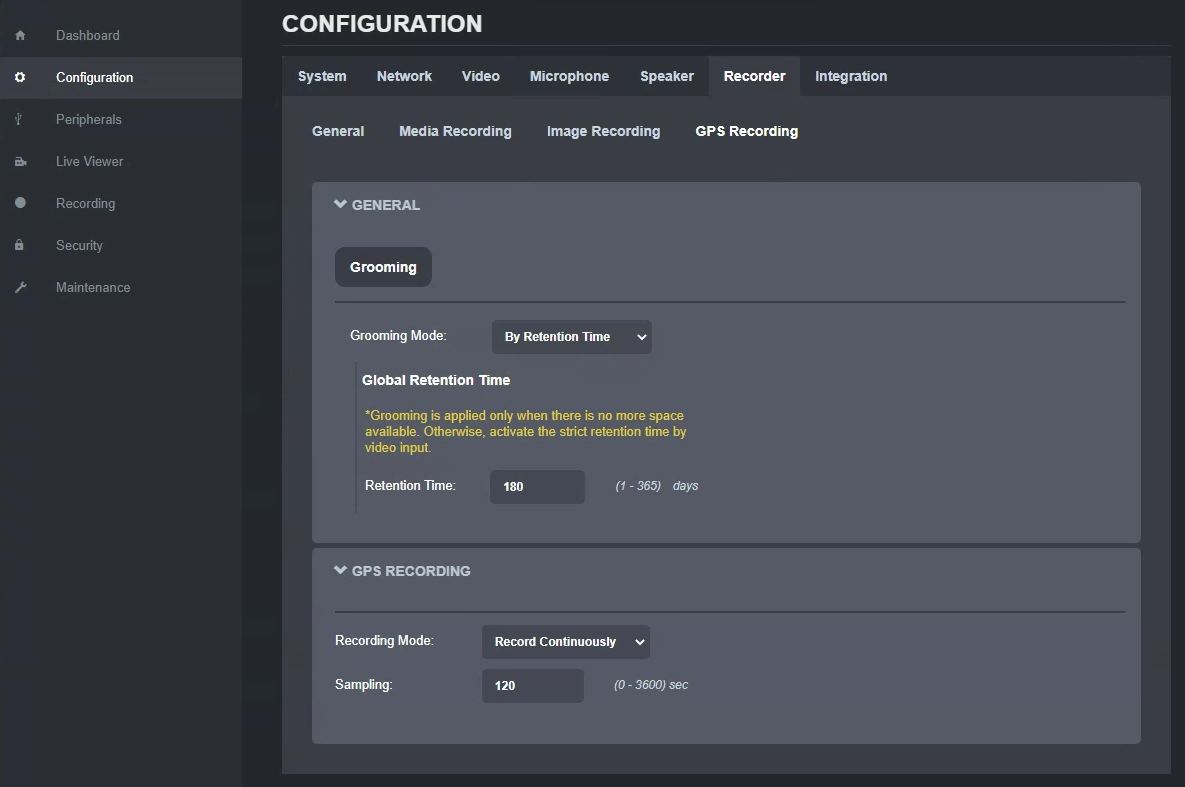
For GPS recording, available settings include:
- Grooming mode.
- Retention time.
- Recording mode values:
- Record Continuously: Logs GPS data continuously.
- On Video Recording: Logs GPS data only during video recording.
- Do not record: Disables GPS logging.
- Sampling interval.
Note
GPS recording settings control the separate .gpx file. GPS metadata embedded in the corners of full-frame warped images cannot be disabled.