Dashboard
The Dashboard provides an overview of the PERCEPT Gateway and its current status.
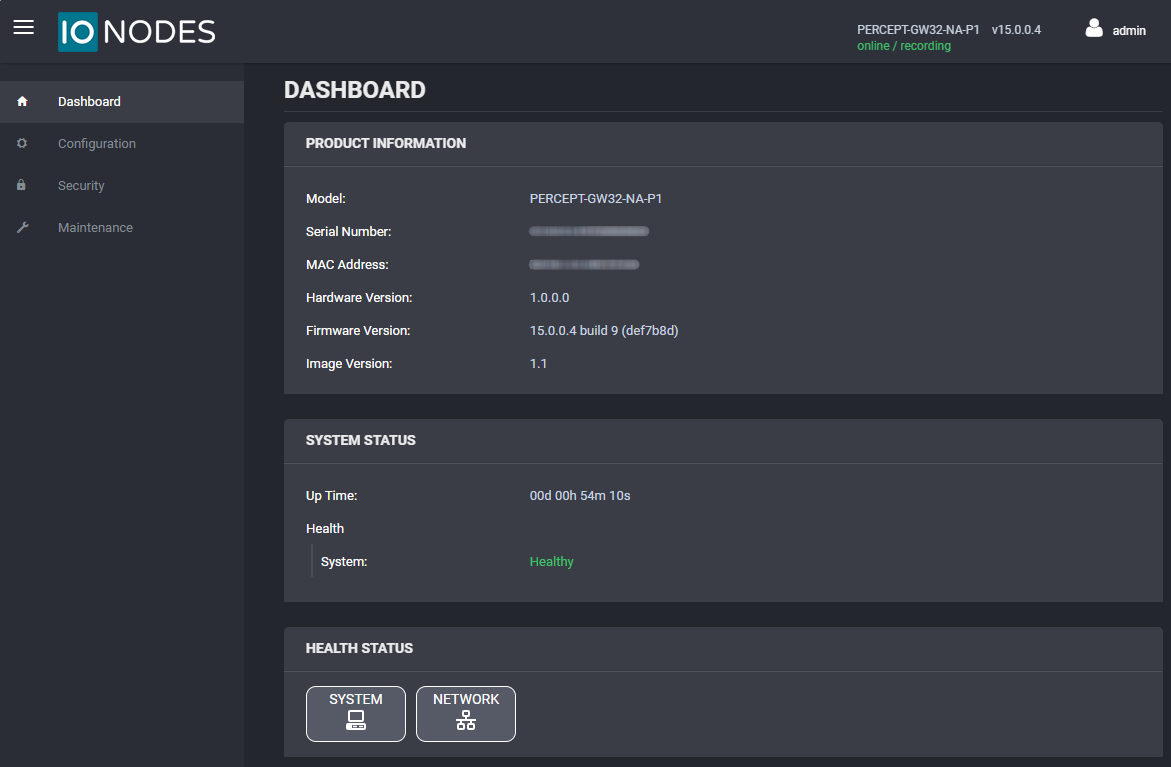
After the administrator password is set, the following dashboard screen is displayed:
Product Information
The Product Information panel identifies the gateway and its installed software:
- Model
- Serial Number
- MAC Address
- Hardware Version
- Firmware Version
- Image Version
System Status
The System Status panel shows the gateway uptime and system health. A healthy gateway displays Healthy for the system health status.
Health Status
The Health Status panel provides charts and connection information for monitoring gateway resources and network activity. Select one of the following tabs:
- System: Shows CPU and memory usage.
- Network: Shows transmit and receive traffic for the LAN 1, LAN 2, and Cellular interfaces. It also shows Wi-Fi information, including the SSID and signal quality, and cellular information, including the connection type, operator, signal quality, and signal level.
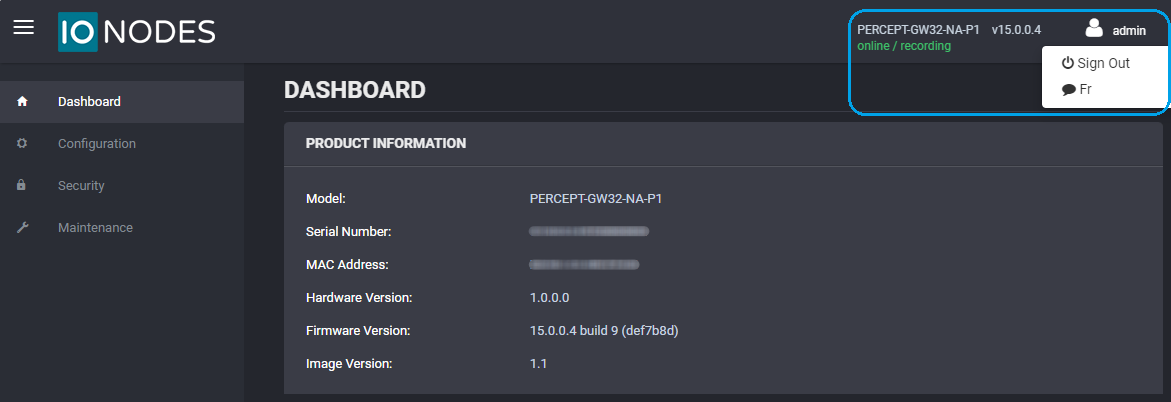
Language
To change the web interface language from English to French, select the user icon, then select Fr.