Page non traduite
Cette page n'est pas encore disponible en français. Le contenu est affiché en anglais.
Media Library
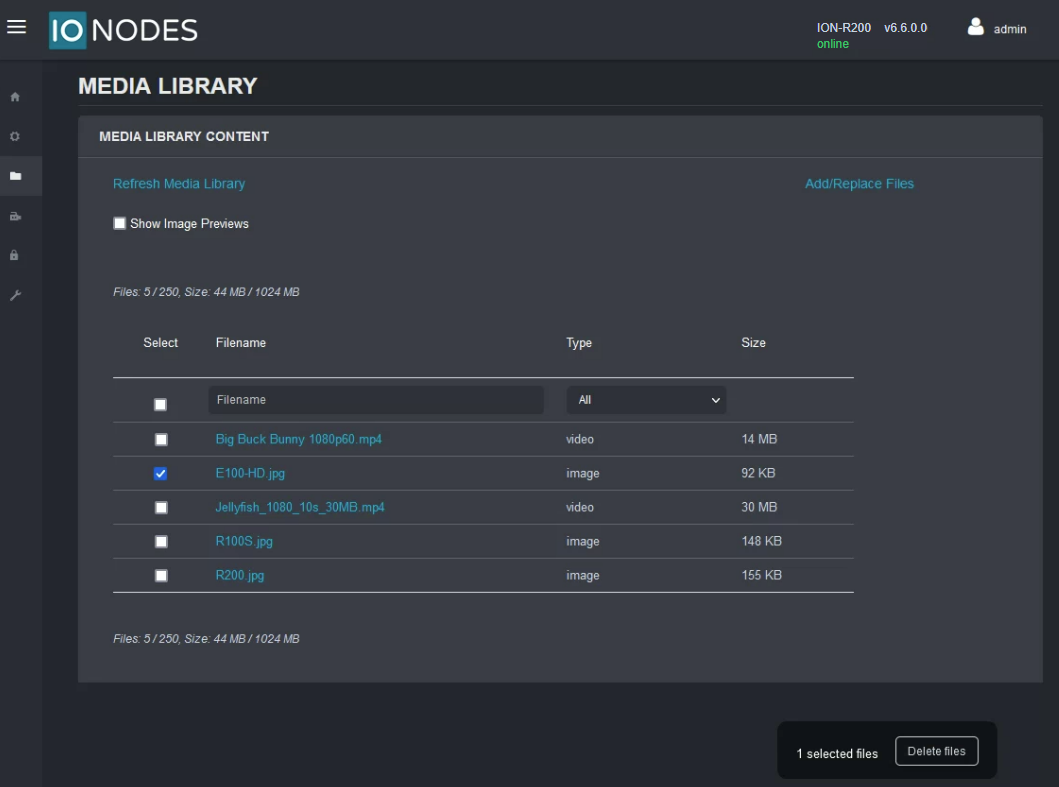
This section allows the user to manage the local library of media (image/video) files that can be displayed in tiles on the Secure Display Station.
The following actions are available:
- Add/Replace Files - Upload new files (or replace existing files) from the local computer to the Secure Display Station over the network.
- Delete Files - Select the files to delete, then click Delete at the bottom of the page to remove them from the Media Library.
- Show Image Previews - Available for static images only (not available for videos).