Account creation
Sign in or register
-
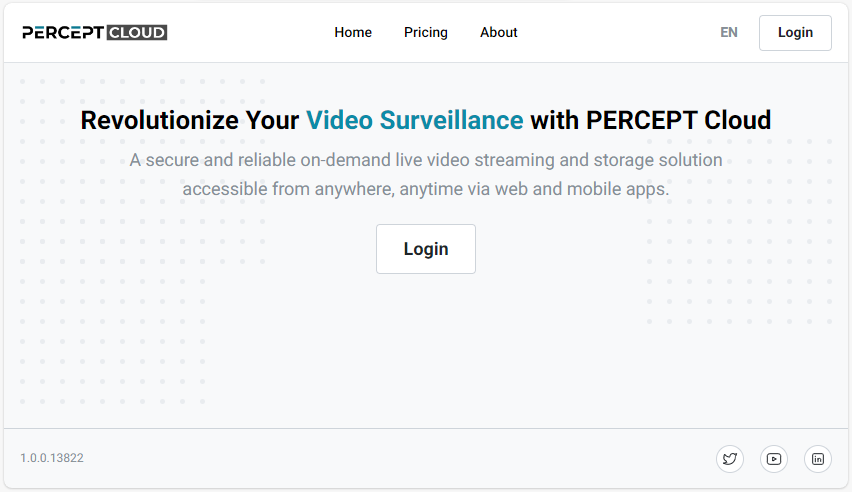
Open https://perceptcloud.io/ and click Login.
-
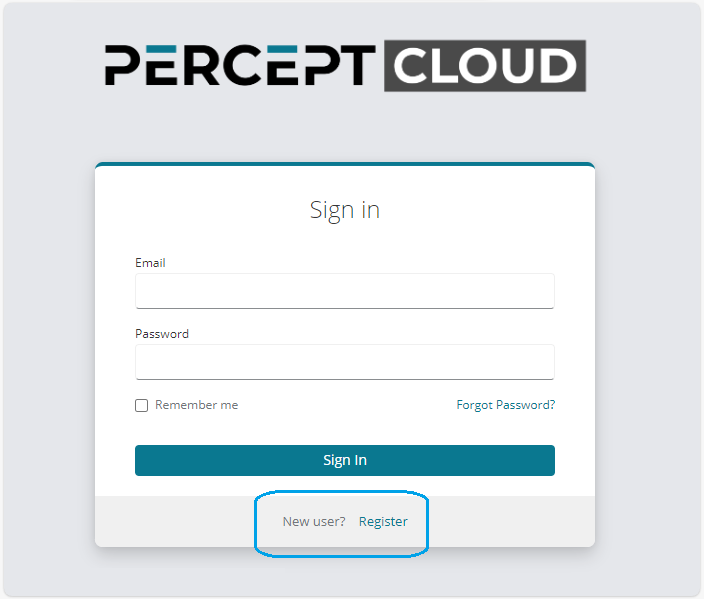
Sign in with an existing account, or click Register to create a new one.
-
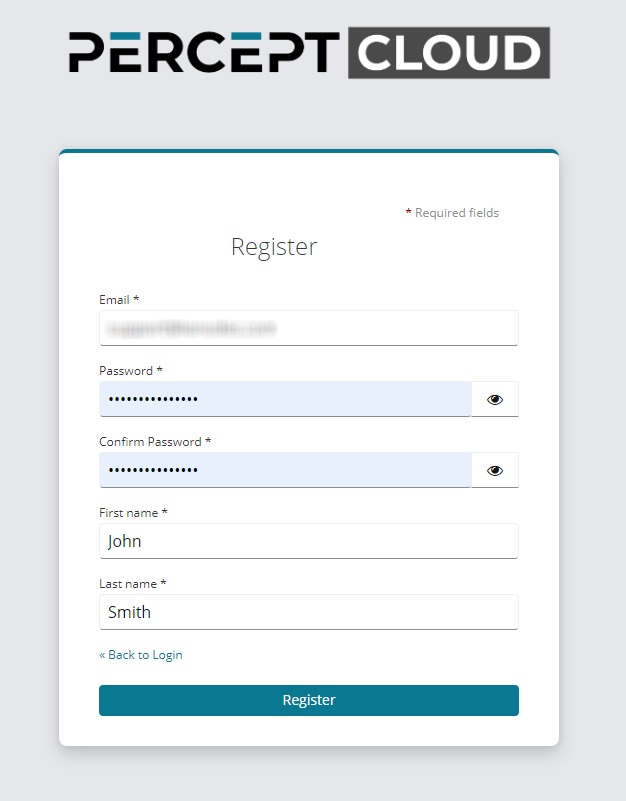
For a new account, complete the registration form, accept the End User License Agreement, and complete email verification.
-
After signing in, continue with Organization Creation to create or select an organization.