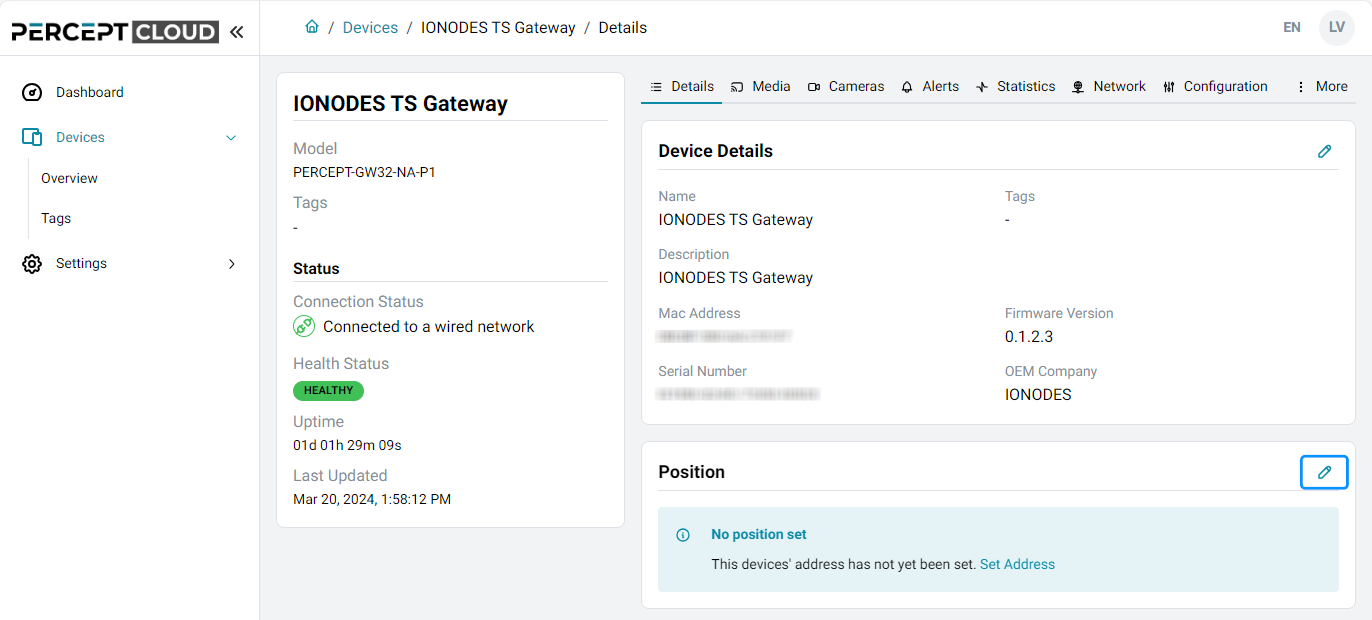
Details
Position
- Open Devices > Overview and click Open Device Profile for a device. The profile opens on the Details tab.
-
Click the edit icon beside Position.
-
Enter the location. Select manual mode to add information such as a floor or suite number.
Address auto-completion is available when the browser has permission to access its location.