Organization creation
Create or select an organization
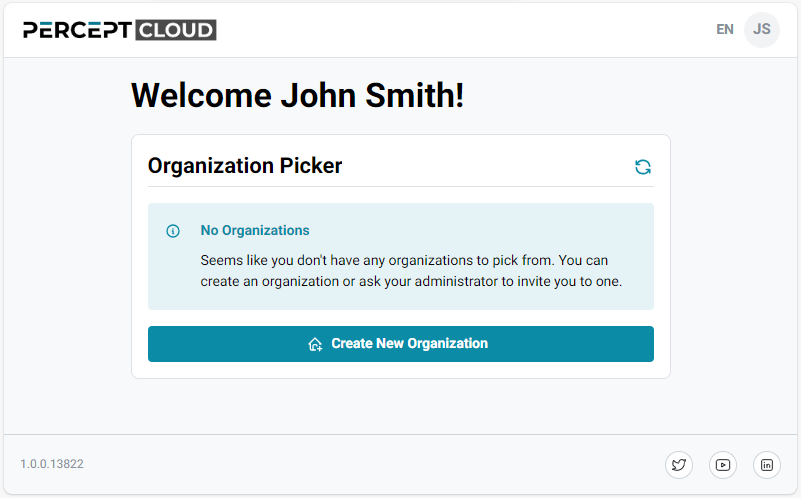
After sign-in, PERCEPT Cloud opens the Organization Picker page. Select an existing organization, or follow these steps to create one.
-
Click Create New Organization.
-
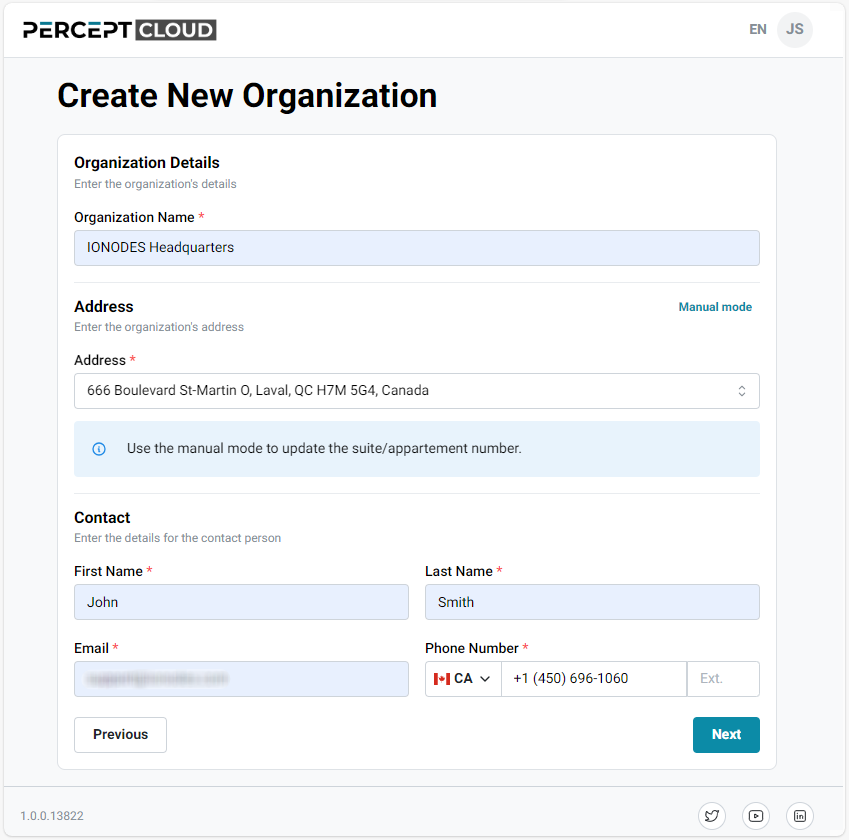
Enter the organization details and click Next.
-
Review the information and click Submit.
-
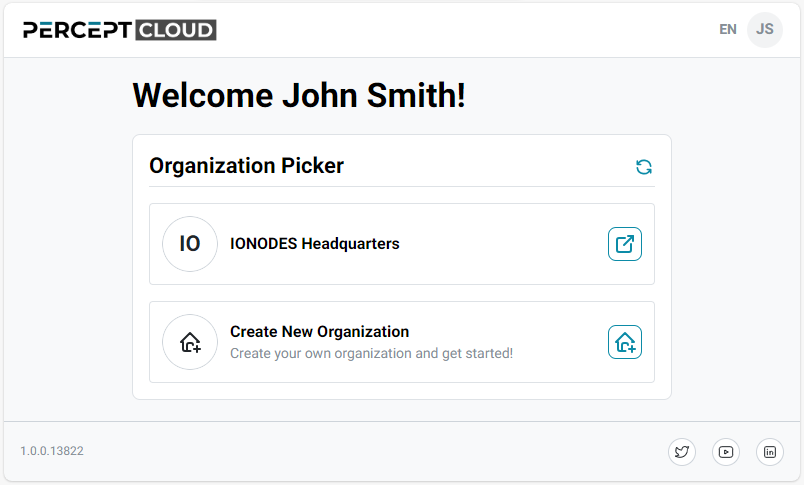
Return to the Organization Picker page and select the new organization.