Media Library
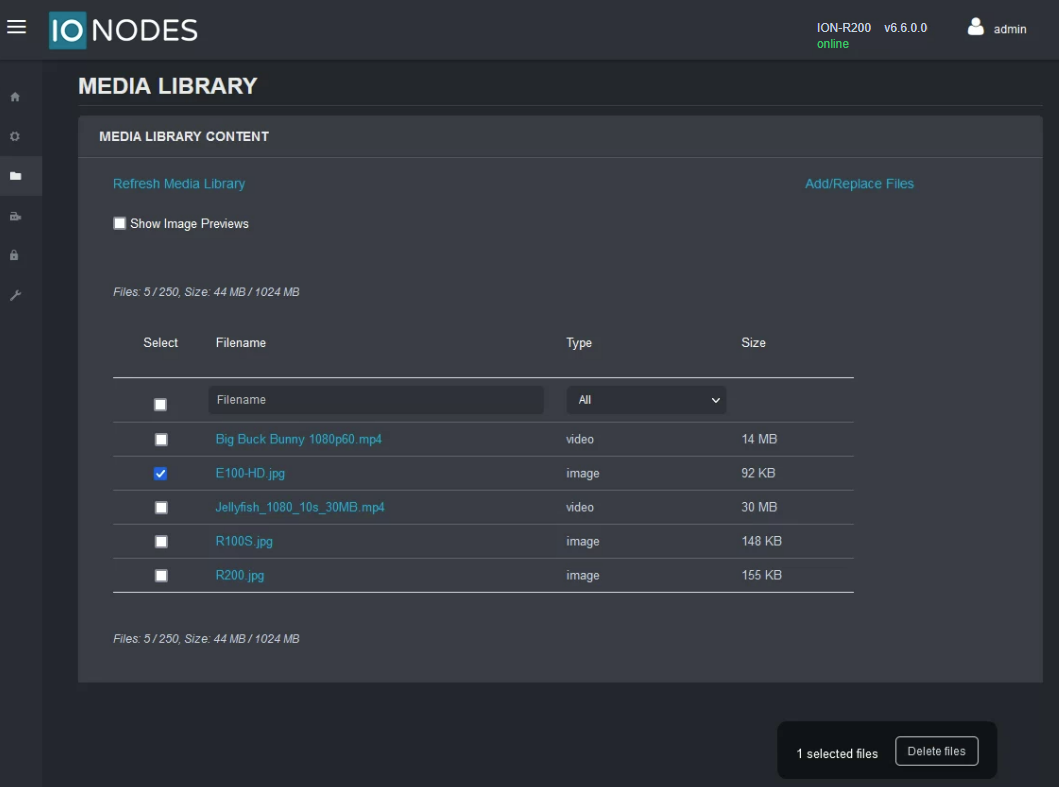
This section allows the user to manage the local library of media (image/video) files that can be displayed in tiles on the Secure Display Station.
The following actions are available:
- Add/Replace Files - Upload new files (or replace existing files) from the local computer to the Secure Display Station over the network.
- Delete Files - Select the files to delete, then click Delete at the bottom of the page to remove them from the Media Library.
- Show Image Previews - Available for static images only (not available for videos).