Dashboard
The Dashboard provides an overview of the ION-R200, its current health, and resource or network activity.
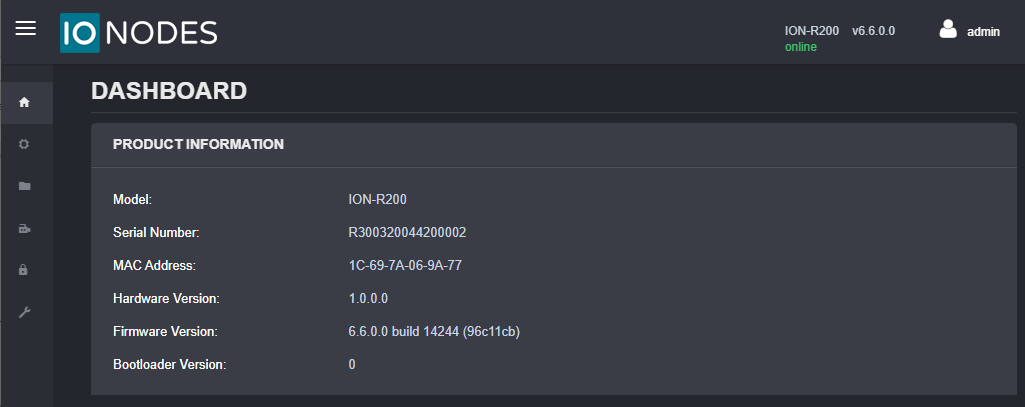
Product Information
The Product Information panel identifies the device and its installed software:
- Model
- Serial number
- MAC address
- Hardware version
- Firmware version
- Image version
System Status
The System Status panel shows the device uptime and current system health. A healthy system is shown with a Healthy status.
Health Status
The Health Status panel provides charts for monitoring system resources and network traffic. Select one of the following tabs:
- System: Shows CPU, GPU, and memory usage.
- Network: Shows transmit and receive traffic for the device's network interfaces.
Language
To change the web interface language from English to French, select the user icon, then select Fr.